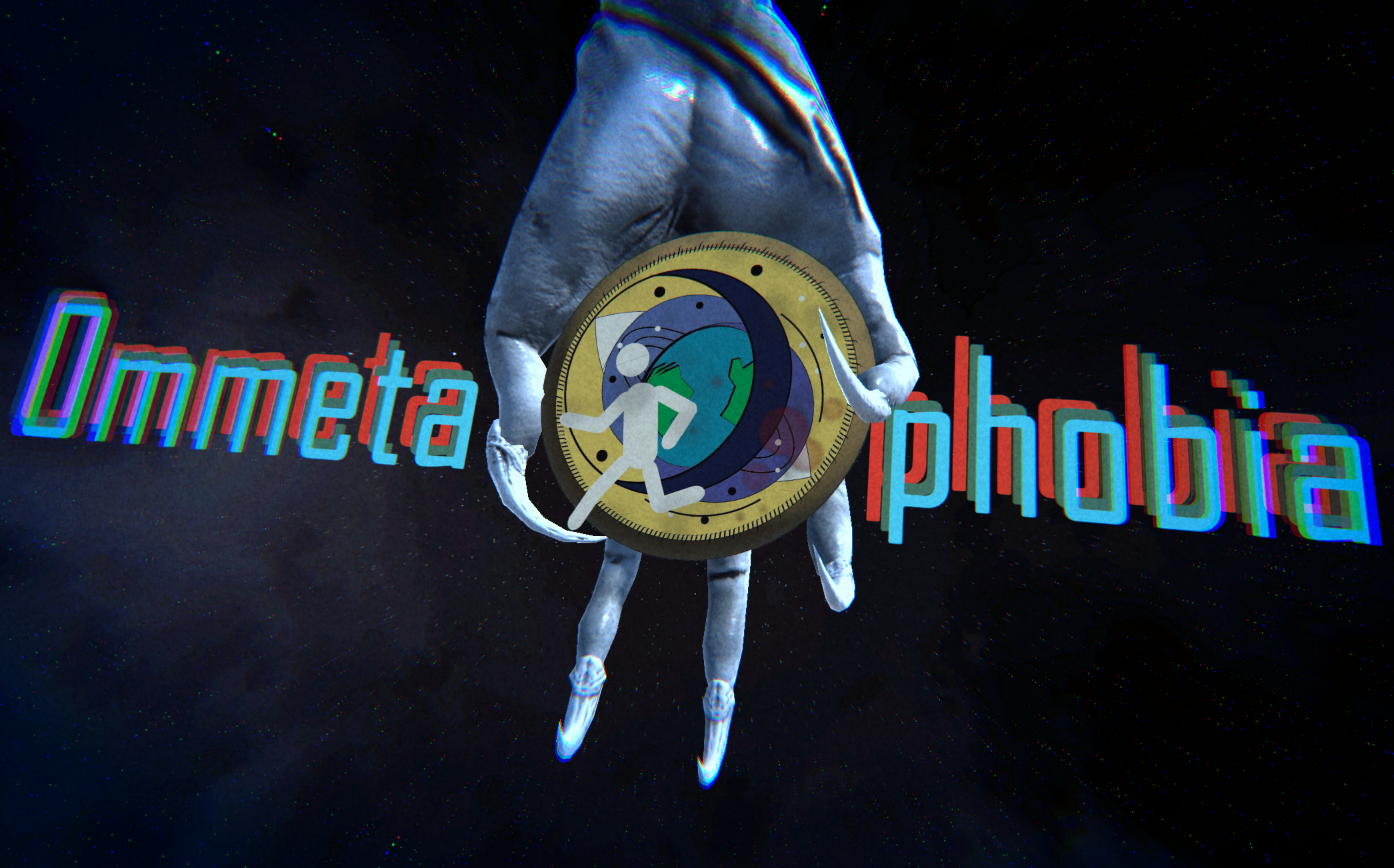
Ommetaphobia
A downloadable game for Windows
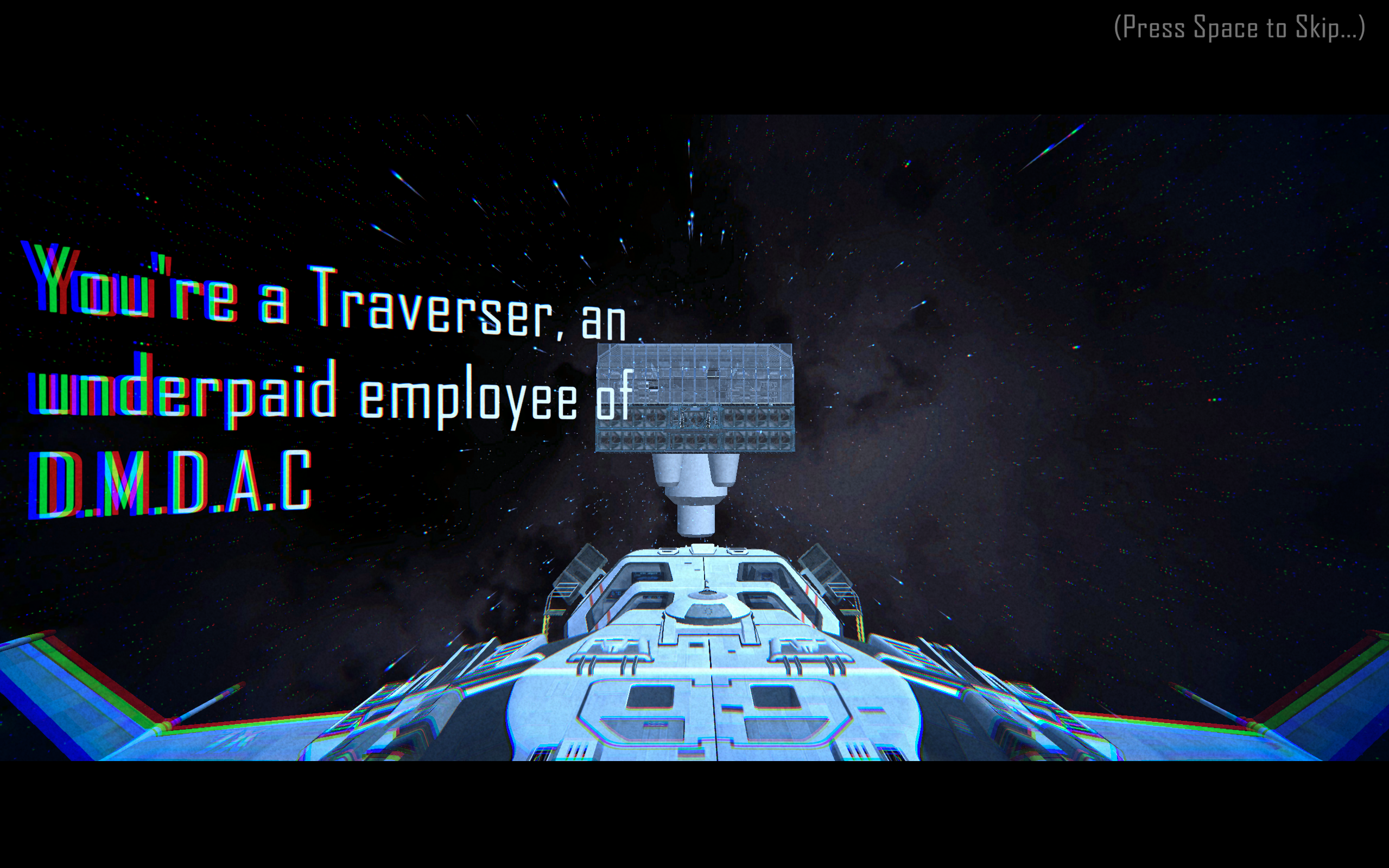
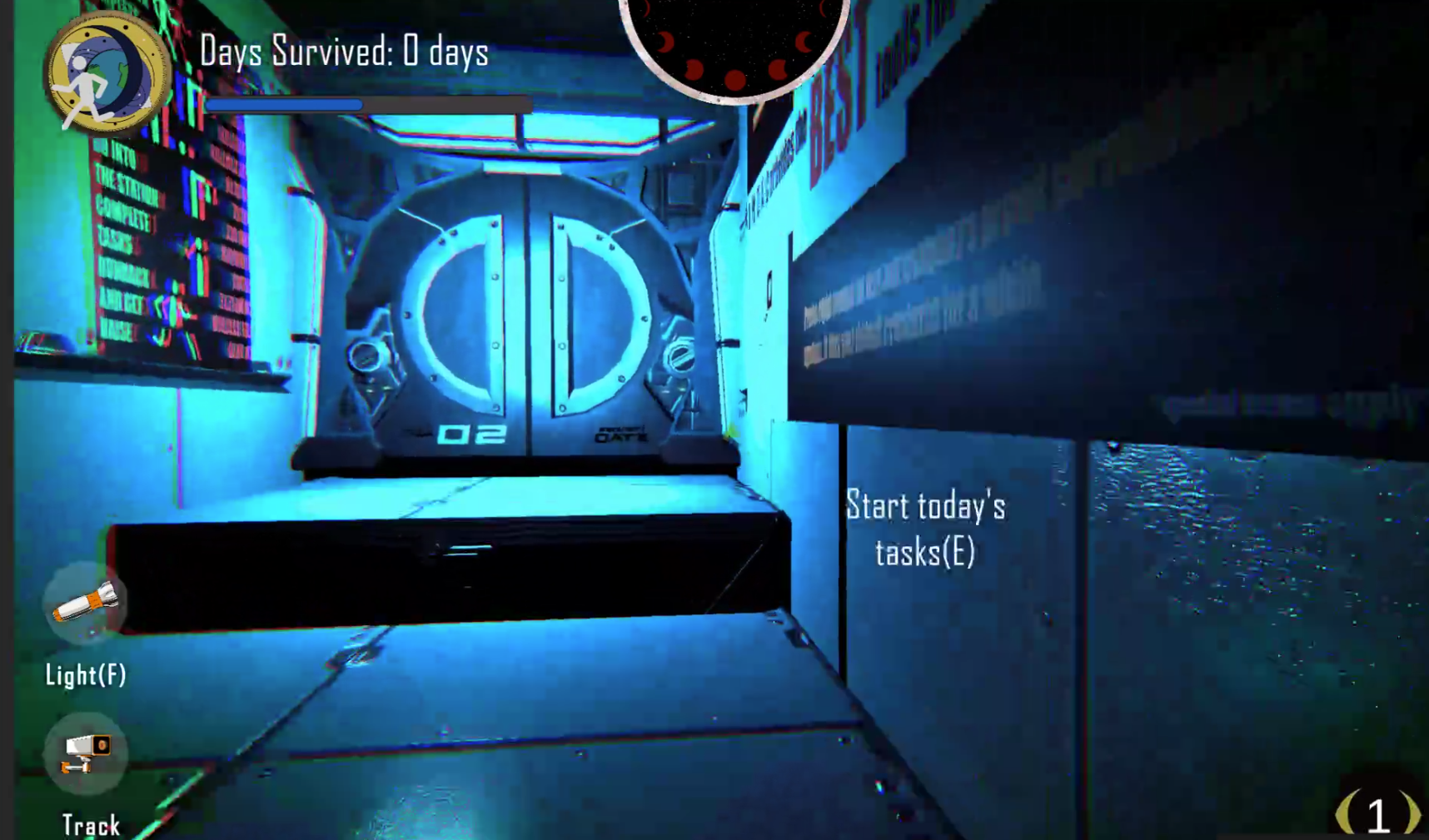
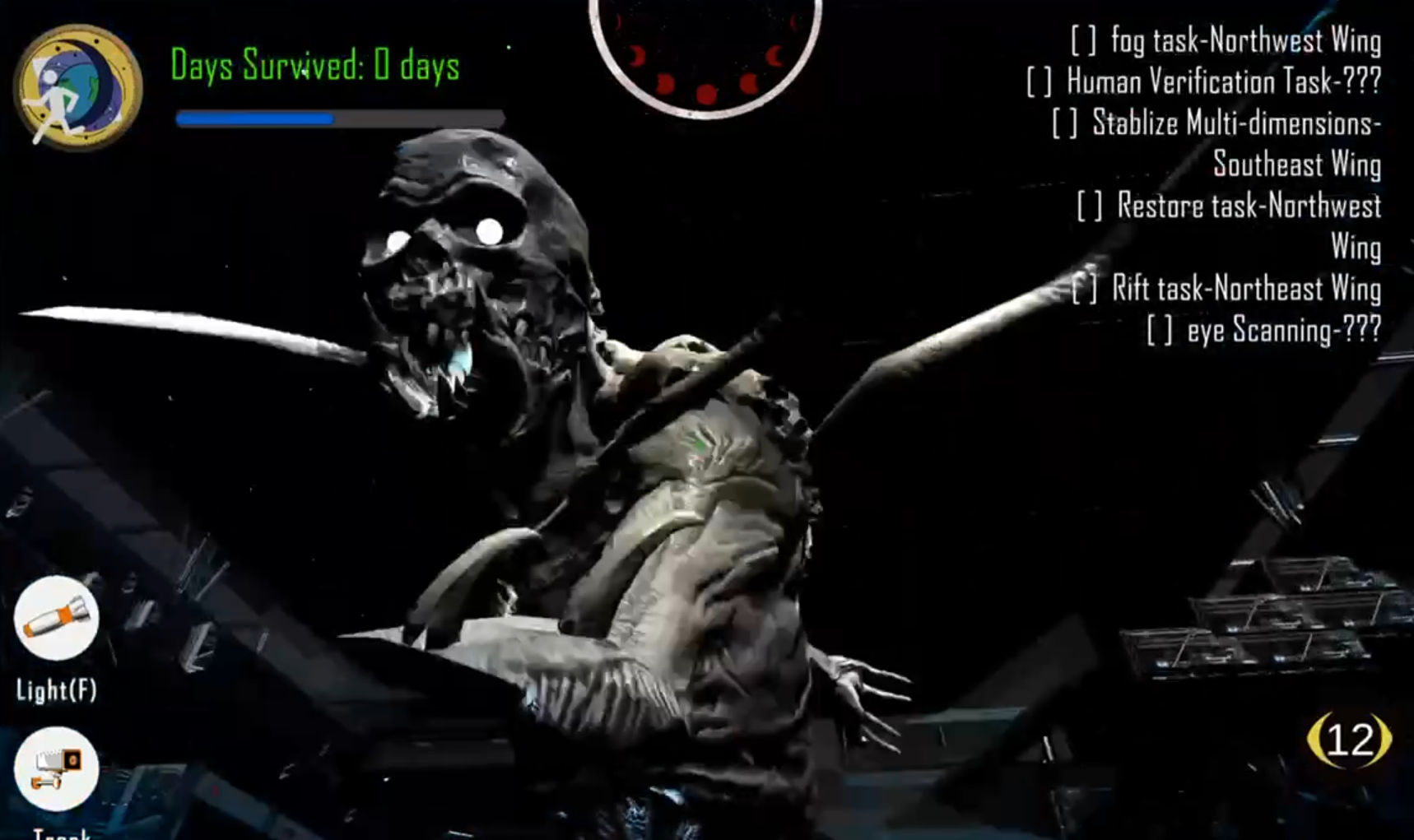
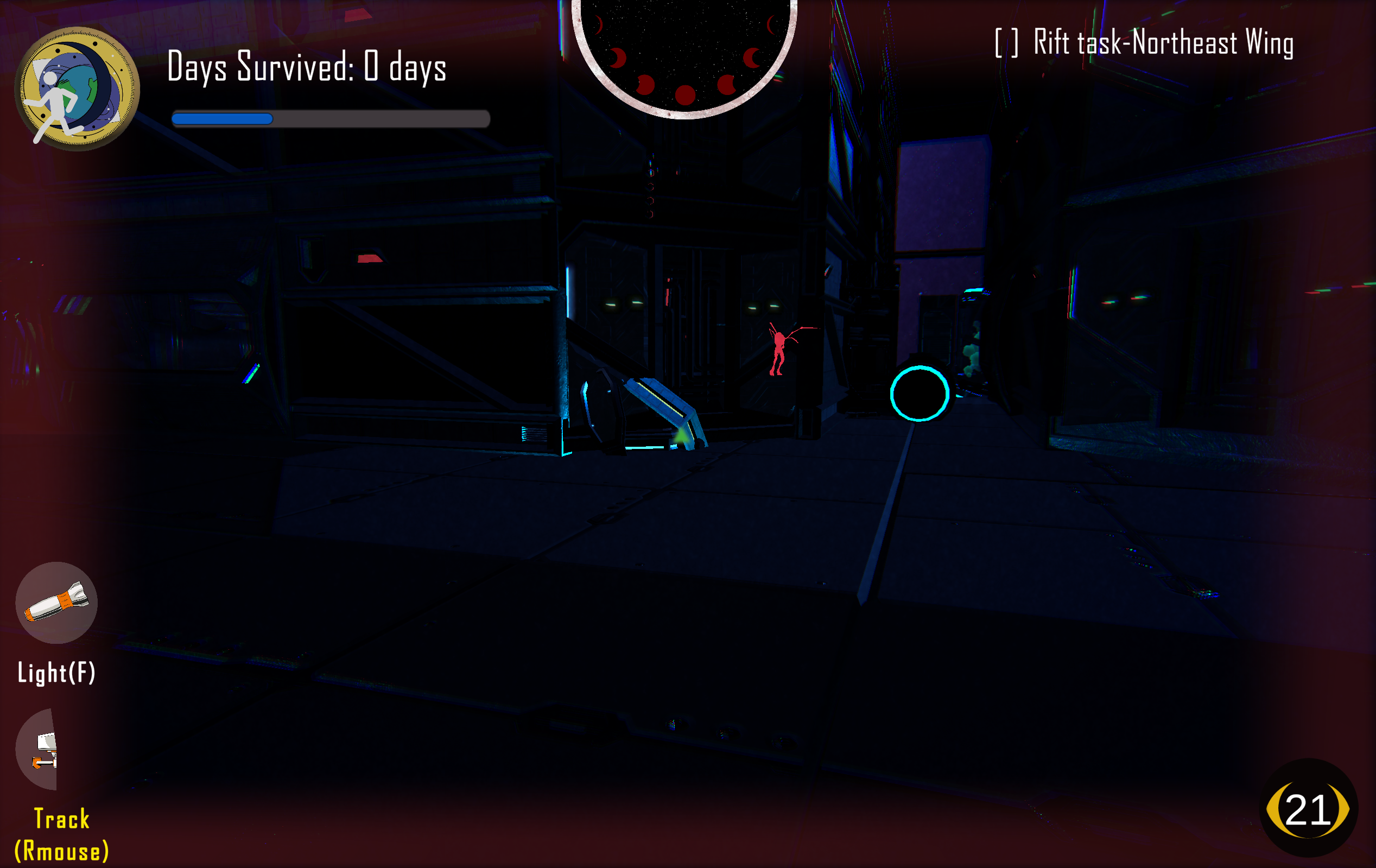
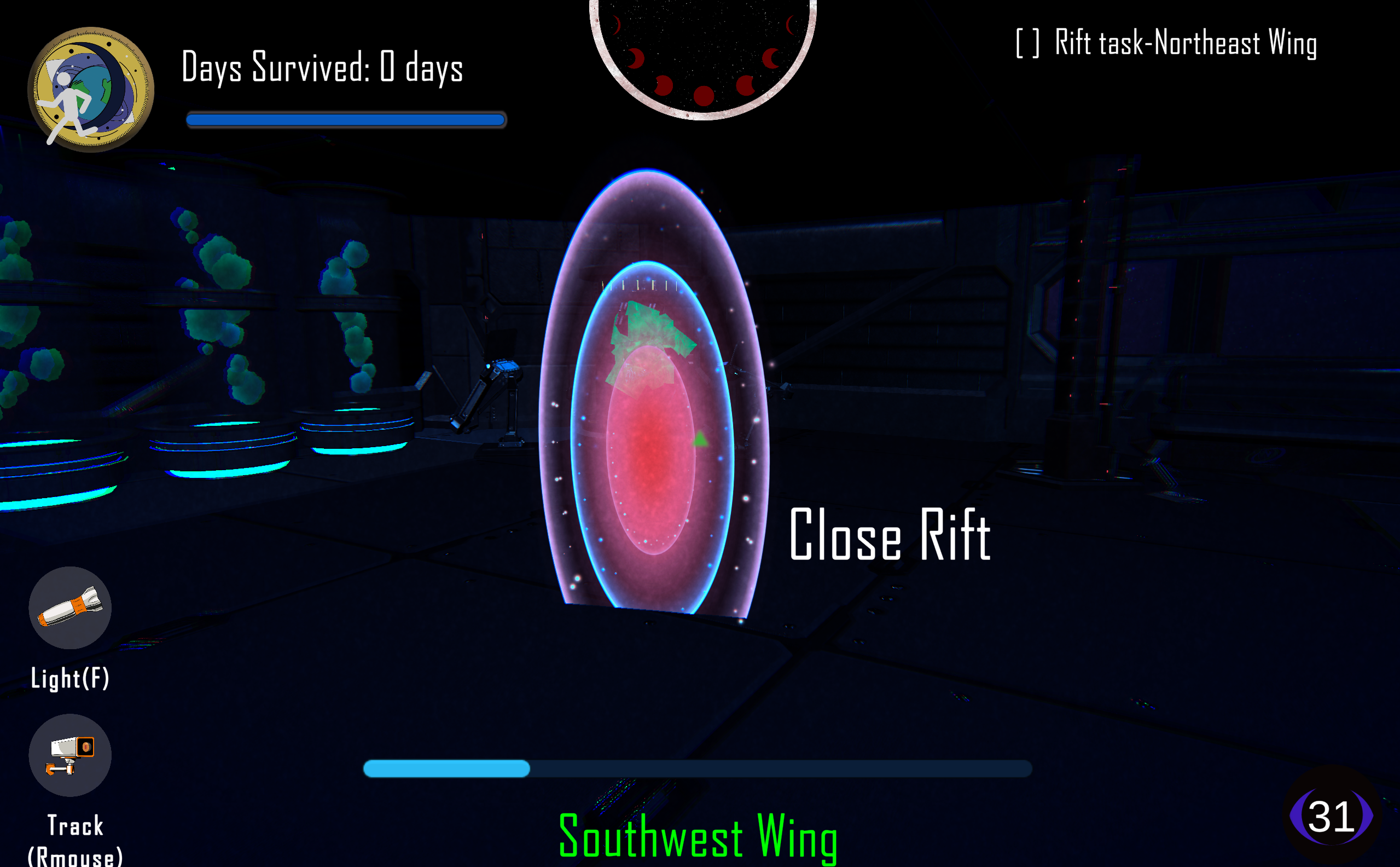
It's a real-time 3D horror game that uses the computer's camera to detect faces and blinking, which directly affects the world the player is in. The player takes on the role of an underpaid worker in the D.M.D.A.C. (Department of Multi-Dimensional Anomaly Control) and must restore an abandoned D.M.D.A.C. space facility through dimensional navigation and task completion.
A game made in a 3-week timed proof of concept.
Lead Programmer – Yi-kai Huang
Secondary Programmer – Henry Amato, Yunhang Qin
Level Design and 3D Art – Yunhang Qin
3D Scene Art – Ariia Zhou, Ashley Celidon, Yunhang Qin
2D UI Art – Ariia Zhou
Logo, cover & Poster (2D Art Design) – Yi-kai Huang
Shader Effect - Yi-kai Huang, Yunhang Qin, Free unity asset
Project Management – Ashley Celidon
Game Design – Henry Amato, Ashley Celidon, Yi-kai Huang, Yunhang Qin, Ariia Zhou
Please comment to share your thoughts or report bugs!
⚠️⚠️⚠️Download the latest version(v1.0.3) for best experience! The game requires a front-facing camera to work. If the camera is not working, please check trouble shooting at the download instruction
Download
Install instructions
Download the latest file and unzip it(which is currently v1.0.3)
For the best experience, the game requires a front-facing camera. The player should sit directly in front of the camera so the game can detect blinking properly.
Camera Setup (Windows)
1. Go to **Settings → Privacy & Security → Camera**
2. Enable **"Allow apps to access your camera"**
3. Enable **"Allow desktop apps to access your camera"**
4. Close other apps using the camera (Zoom, Discord, etc.) No camera? Buy a new window laptop with camera!
Troubleshooting: **If Camera is not working:**
- Move game to English-only path
- Check Windows camera permissions
- Restart the game
System Requirements - OS: Windows 10/11 (64-bit) - RAM: 8 GB - GPU: DirectX 11 compatible - Camera: Optional
Development log
- Polish and Publish!Dec 09, 2025